NBT Library
A curated collection of Minecraft: Java Edition hotbar files, packed with custom NBT items, kits, and books for your creative worlds.
Download Latest ReleaseLooking for an older version? View all releases
About the Library
The NBT Library is the successor to The Shulker Archives. Focused on a "quality over quantity" approach, it provides meticulously curated hotbars full of items, kits, books, and more for your creative servers and single-player worlds.
Categories
Librarian's Pick
Copies of the best entries in the Library, alongside the Librarian's Basics item line.
Utility & Abuse
Kits and Items made to make life easier for yourself or harder for other players.
PvP
Fully enchanted armor and weapons, for all forms of combat.
Potions
Custom brewed potions with extended effects and levels.
Fireworks & Spawn Eggs
Fireworks with custom explosions, and various unique spawn eggs.
Misc. Functional
Items that have functionality, but don't fit into any other category.
Lore & Non-Functional
Unique items with custom lore, but little or no functional purpose.
Books
Player-written books, including Fiction, Non-Fiction, Command, and Abuse.
SongPlayer
Items made for the SongPlayer mod, with song data encoded in them.
PiggoPotamus
Kits and Items made by PiggoPotamus, one of the greatest command block-based item-makers.
MarioKartWii & Txsla
Kits and Items made by MarioKartWii and Txsla, two of the greatest item-makers.
Pending Removal
Items pending removal from the Library due to being broken, outdated, etc.
Installation
The NBT Library relies on the Librarian mod to paginate and display hotbars correctly. While the files will load without it, you will only be able to use one file at a time. Install Librarian via Modrinth or CurseForge before proceeding.
Steps
- Download: Grab the latest release from the GitHub Releases page.
-
Extract: Unzip the downloaded file. This will create a folder containing several numbered
.nbtfiles (e.g.,hotbar.-1.nbt,hotbar.-2.nbt, etc.). -
Install: Move the extracted
.nbtfiles into your Minecraft directory:.minecraft/hotbars/(Create thehotbarsfolder if it doesn't exist). -
Load: Either launch Minecraft, or run
/lb cache clearin-game. Then, open the Hotbars tab in the Creative Inventory and navigate to the negative pages!
- Hotbars are version-specific. A hotbar for 1.21.11 typically won't work right on 1.21.4, and vice versa.
- Abuse items are designed to break things— use them responsibly!
- Some items require specific permissions or operator status to function, and may not work on servers.
Contributing
Want to add your own entries to the Library? Contributions are welcome!
- New Entries: Submit entries via the Discord server or GitHub Issues.
- Other Changes: Open a GitHub Issue to submit and discuss your proposed changes.
Showcase
A glimpse of what's included in the NBT Library.
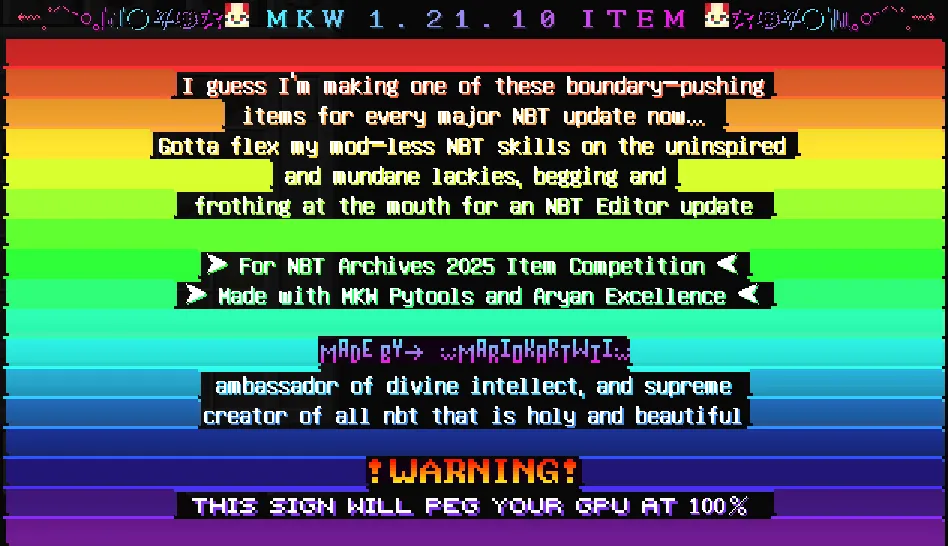
MKW 1.21.10 Item
One of the best uses of Player Head Sprites in Item Lore to date.
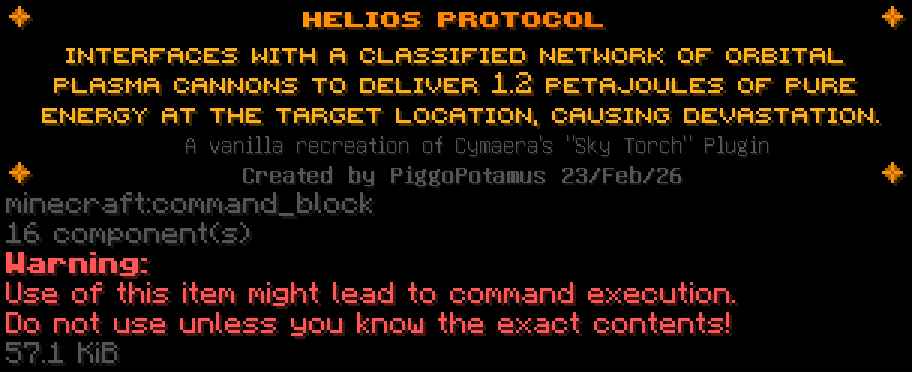
The Helios Protocol
A fully vanilla recreation of Cymaera's "Sky Torch" plugin.
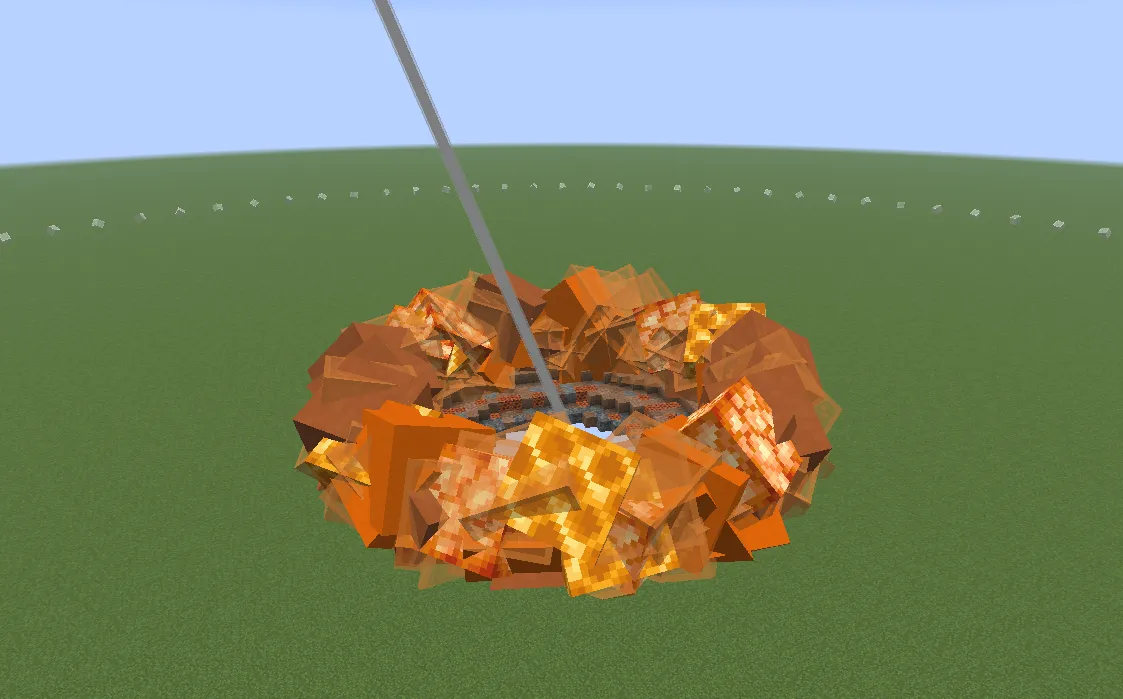
The Helios Protocol in action
A fully vanilla recreation of Cymaera's "Sky Torch" plugin.
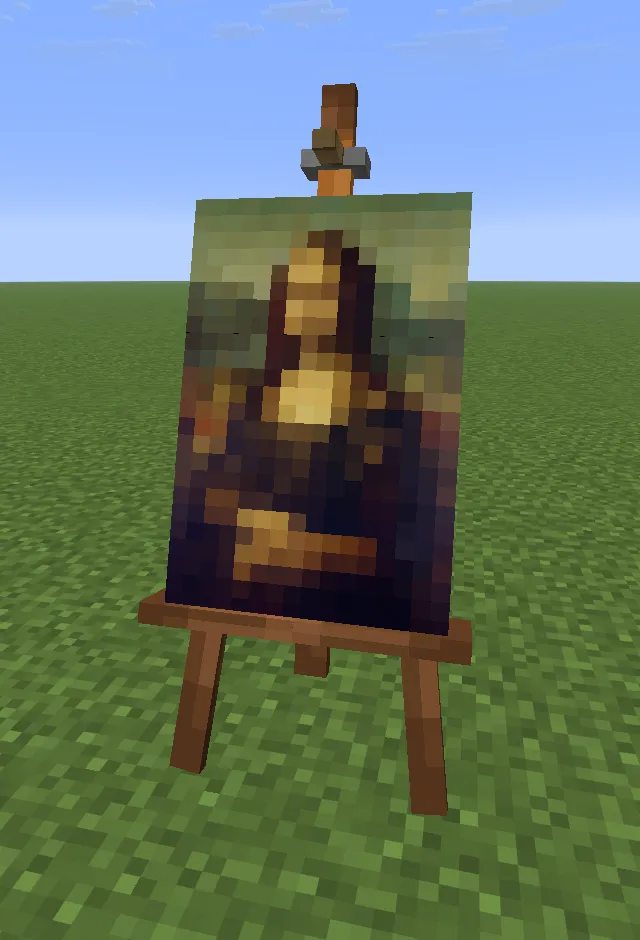
Mona Lisa
Block Display generated from a Command Block by 1ClickProsekunde.
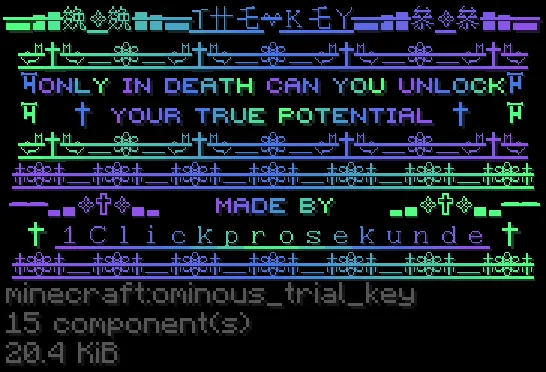
The Key
In the right hands, NBT can often be a form of art.
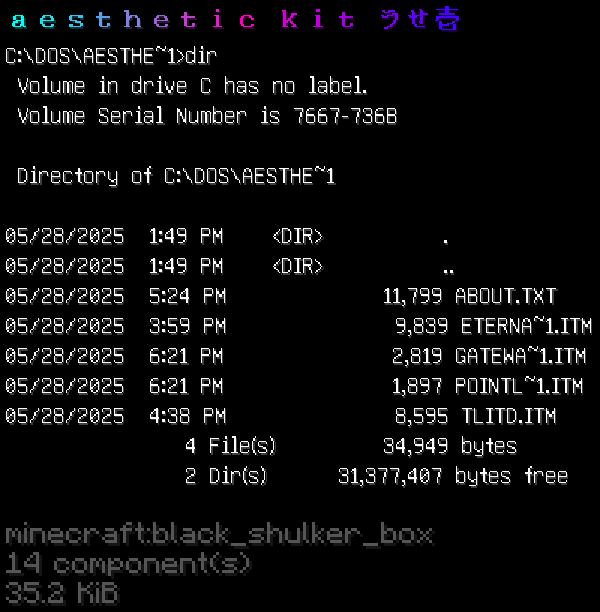
aesthetic Kit
Designed by videogamesm12, inspired by terminal interfaces.
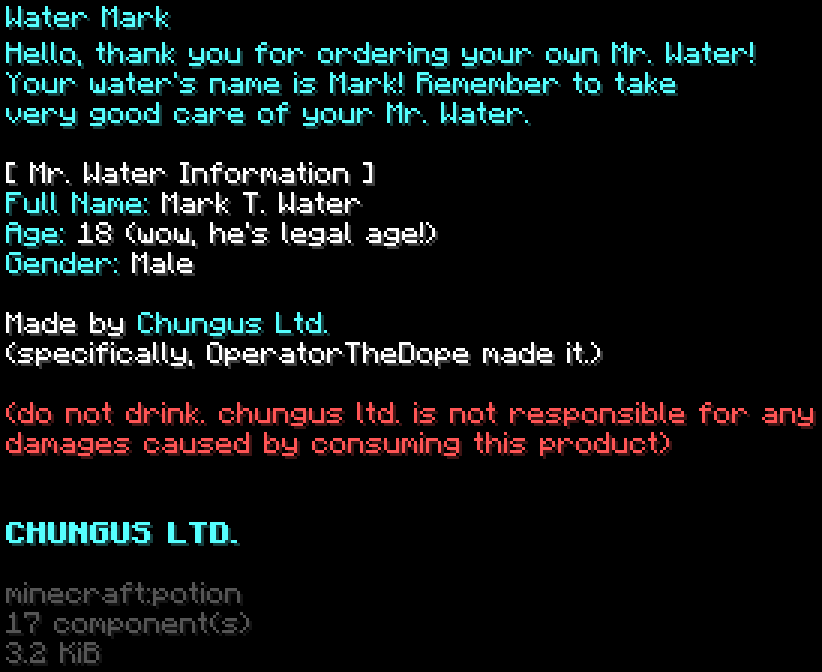
Water Mark
Your personal Mr. Water!
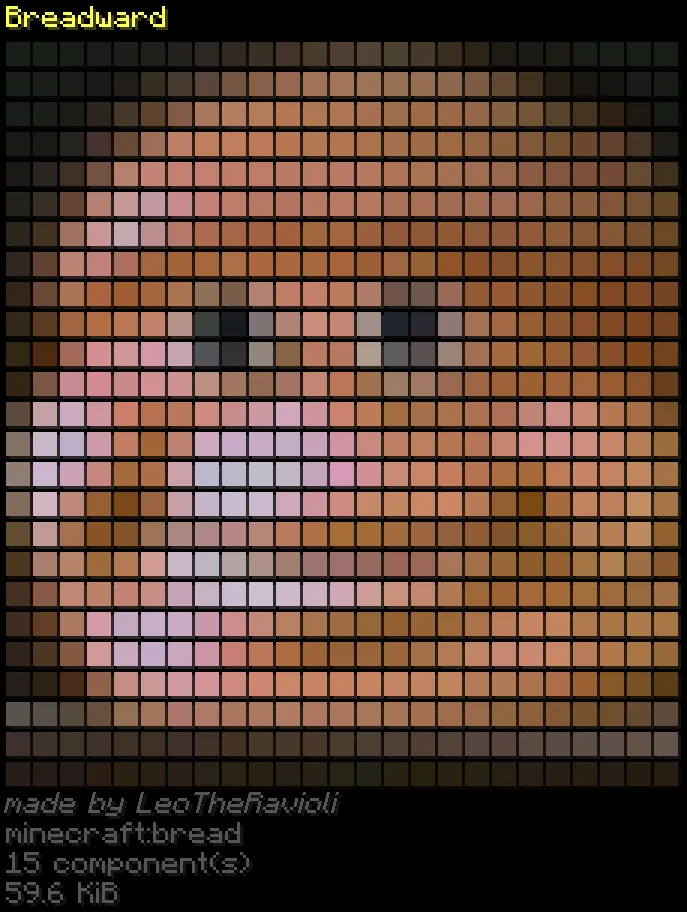
Breadward
The best Loreart ever created.
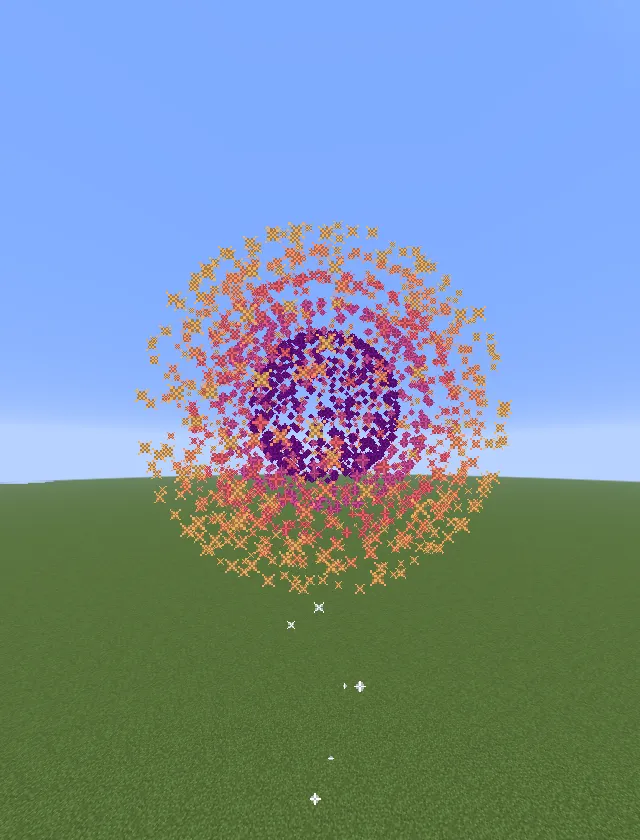
Sunset Firework
From LeoTheRavioli's "Nature" box.
Disclaimer
- Version Specific: Releases are strictly tied to specific Minecraft Java Edition versions and will not work on others.
- Creative Only: Files are intended strictly for Creative mode usage in single-player or multiplayer worlds.
- No Survival/Bedrock: Survival mode and Minecraft Bedrock Edition are not supported.
- Use at Your Own Risk: Some items can cause lag, crashes, or corruption. The author is not responsible for damaged worlds or servers.